
Musician Log

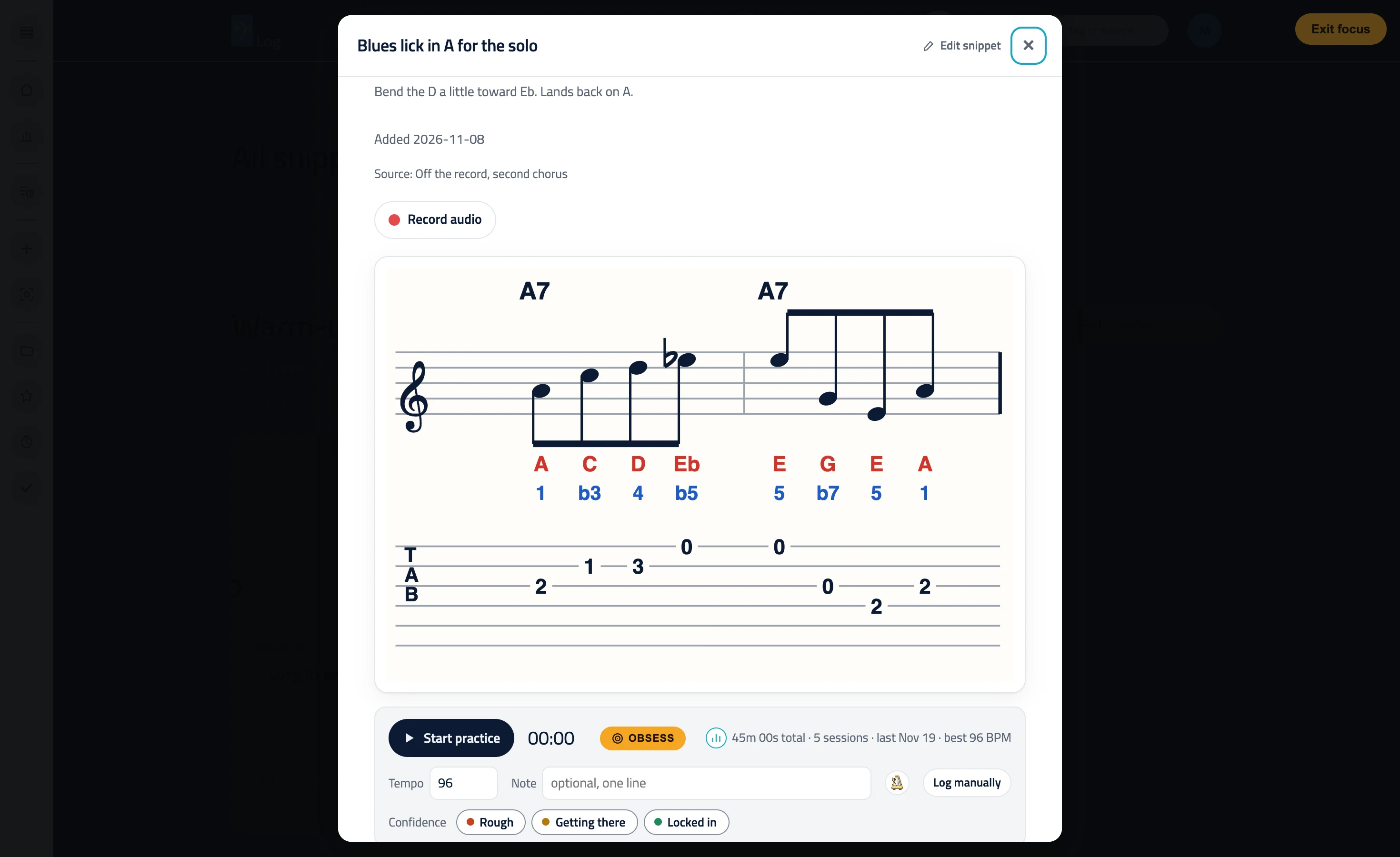
Obsess mode: one snippet lit, everything else dark

Too much on the screen is a reason not to start. Obsess mode dims everything except the snippet you are working on, so it is just you and one thing to get right. It works the same for every instrument, from guitar and piano to trumpet and drums.

Obsess mode: one snippet lit with its sheet music and TAB while the rest of the page is dark

One button, one snippet

Every snippet has an Obsess button. Press it and the page goes dark around that snippet, so the other snippets, sections and menus stop competing for your eyes. Press Exit focus or Escape when you are done and everything comes back.

Made for the hard part

You know the passage you keep skipping. Obsess mode is for that one: turn it on, set the metronome and stay with it until it is clean. Fewer options in view means fewer reasons to wander off to something easier.

Works in the grid and the list

In the list view the snippet you pick stays lit in place. In the grid view the snippet opens in its own window and that window is the spotlight.

Free on every plan

Obsess mode is part of the free plan, along with the practice log, the timer and the metronome.

Questions, answered.

What does Obsess mode do?

It dims everything on the page except one snippet, so you can concentrate on it. Exit focus brings everything back.

Is it the same as a do-not-disturb mode?

No. It changes what you see in Musician Log. It does not silence notifications on your phone, so switch those off yourself if you want a quiet room.

Is Obsess mode free?

Yes. It is available on the free plan.

Practice one snippet at a time.

Start building