ii-V-I in Bb with an enclosure
- Last tempo
- 132 BPM
- Target
- 160 BPM
- History
- 54 min practiced
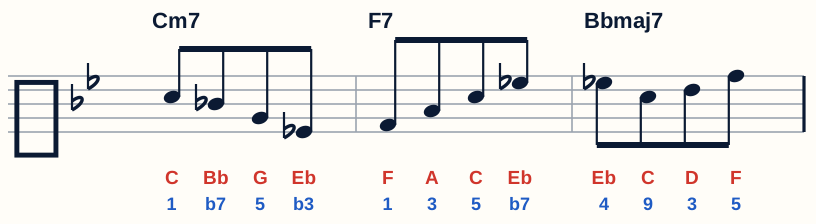
Eb and C wrap around D, the 3rd of Bbmaj7. Next: all 12 keys.

Musician Log
Start with an empty menu and make it yours: your sections, your snippets, your order. Guitar riffs, bass lines, piano pieces, vocal warm-ups, sax solos, violin etudes and drum grooves can all live in one place that looks like your own small website.
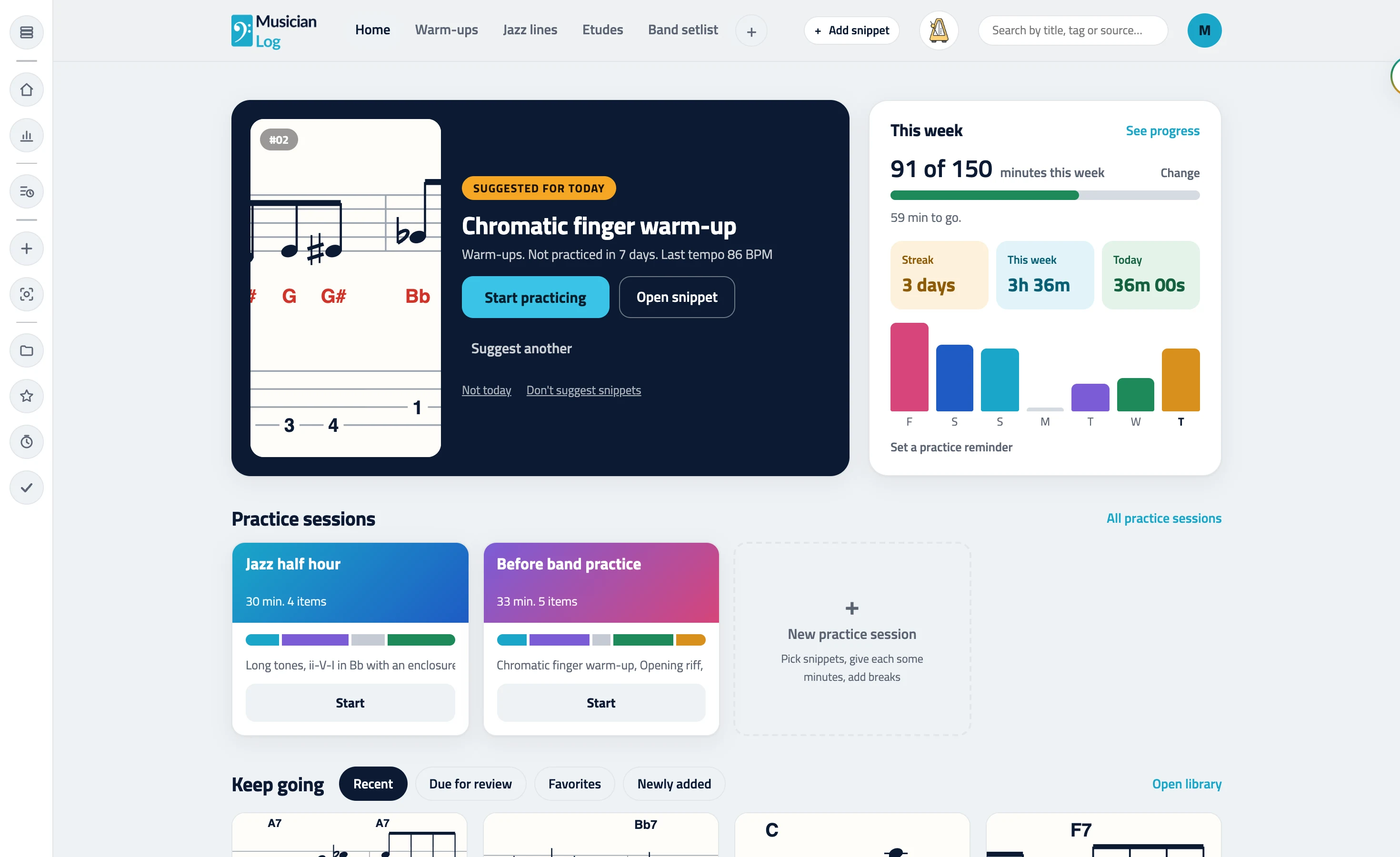
Warm-ups, Etudes, Band setlist, Audition excerpts: call them whatever you call them, in the order you think in.
A snippet is one thing you are working on, with its sheet music, PDF, video, audio and notes on one page.
Pick a snippet, start the timer, and the minutes log themselves against it.
No account and nothing to install. Pick a section, then a snippet. Yours starts empty and fills with your own.
Eb and C wrap around D, the 3rd of Bbmaj7. Next: all 12 keys.
Most practice tools hand you their structure: their courses, their order, their folders. Here the menu across the top is yours. Name sections, bundle related ones into a group, hide one when you are done with it, and browse each as a grid of sheet music or a list.
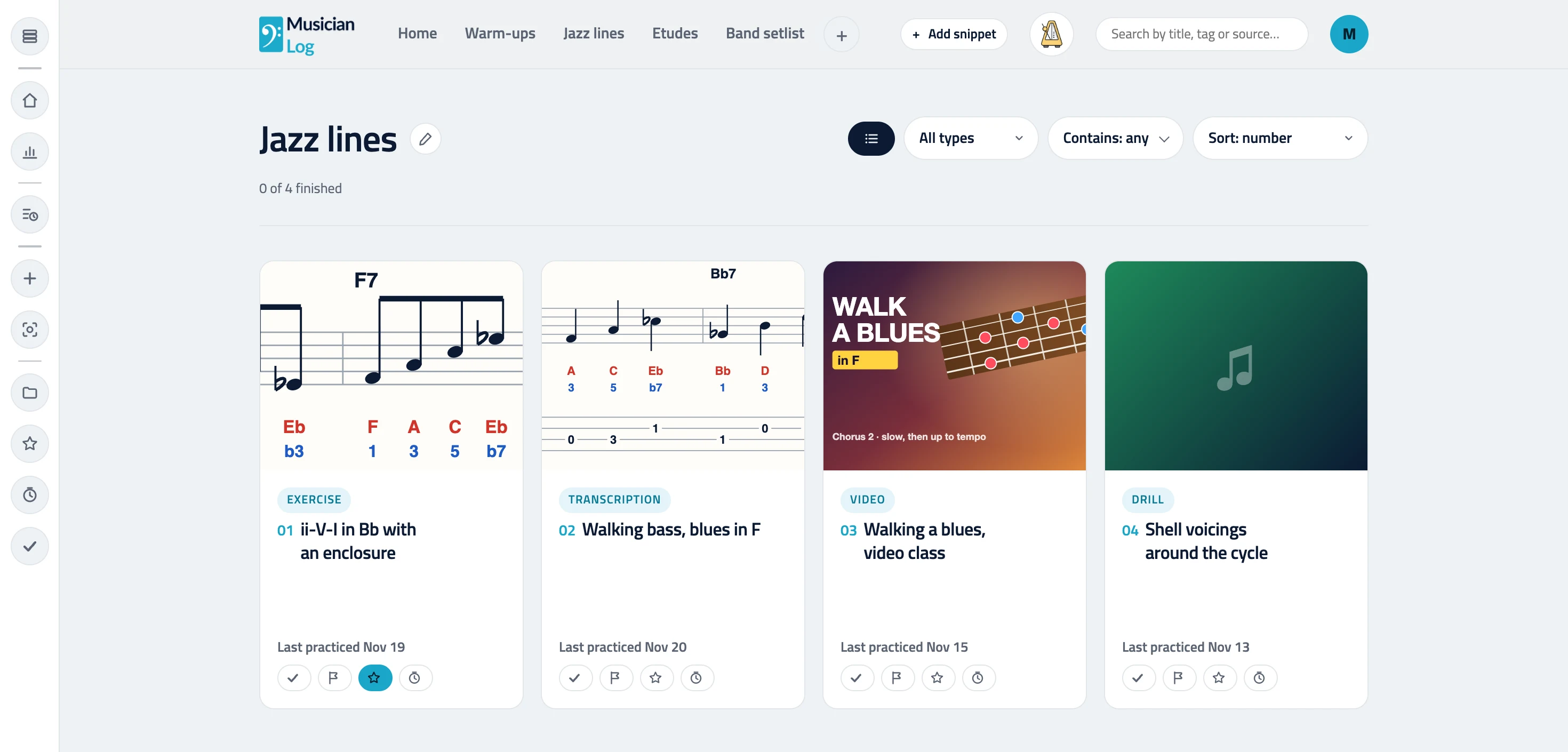
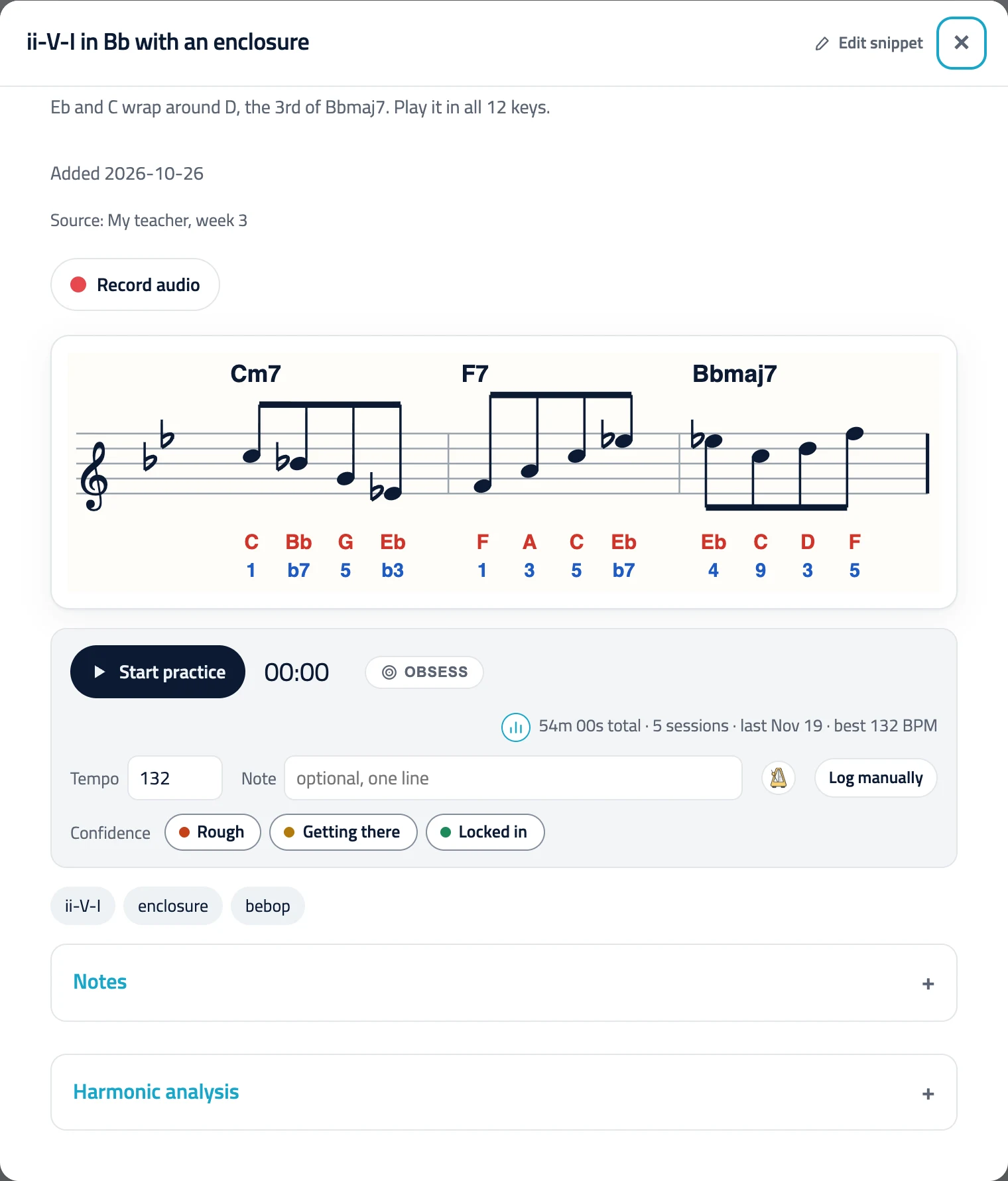
Sheet music with note names and scale degrees, PDFs, YouTube and other videos, audio, links, your notes and tags sit together on the snippet, next to its timer, tempo and practice history. No more hunting through tabs and folders.
Line snippets up into a practice session with minutes and breaks, let the timer run it, and watch the log and your streak fill in on their own. The voice metronome and Obsess mode are one tap away on every snippet.
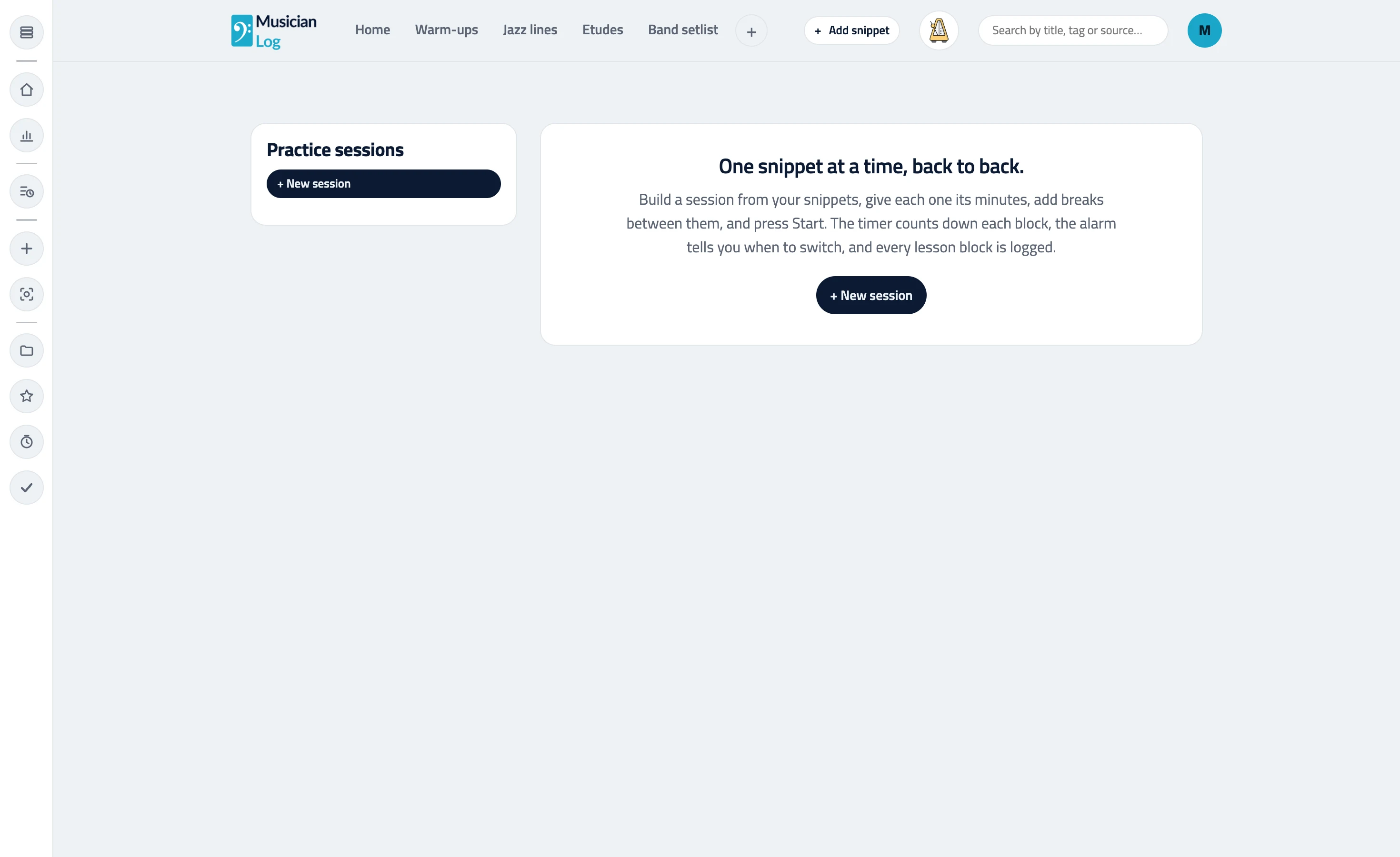
It runs in the browser on a phone propped on the music stand and on a laptop at your desk, in light or dark, and your account keeps the devices in sync.
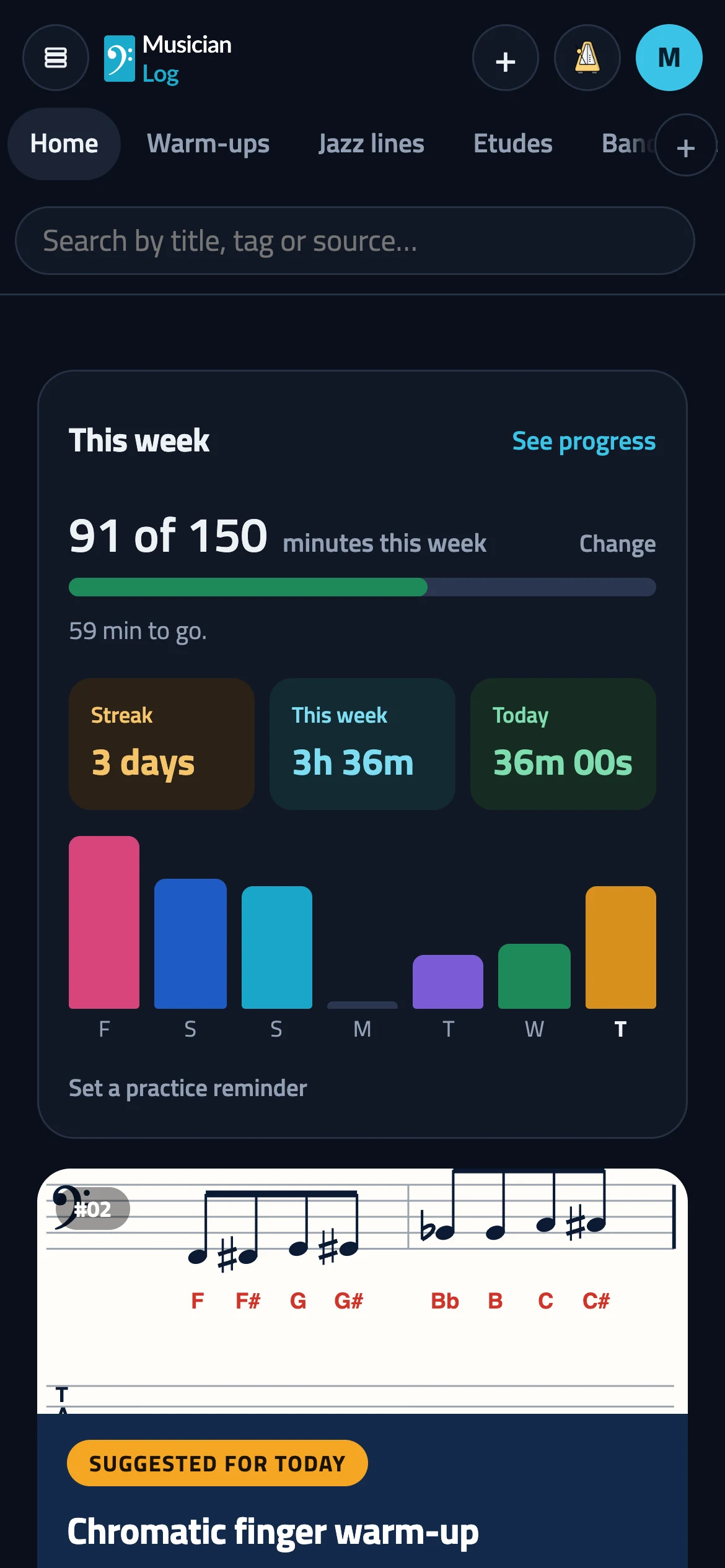
Pick snippets, set minutes for each, add breaks, and practice with a focus timer and alarm. Every session is logged for you.
Keep guitar licks, bass lines, piano pieces, vocal warm-ups and drum grooves together with their sheet music, PDFs, YouTube videos, notes and tags.
Mark each snippet as a transcription, exercise, drill, song, etude or video, see the type on its card, and filter a section by type in one tap.
See minutes per day, streaks and the history of every snippet. A practice journal that fills itself in as you practice.
A metronome that says the bar number out loud so you never lose your place in the form. Count-in, accents, tempo trainer and voice-only bars.
Upload a photo or PDF of sheet music and get note names and scale degrees drawn on it, plus TAB for guitar and bass. Preview it, then keep it.
A teacher-style harmonic analysis of any snippet: the key, Roman numerals bar by bar, notable moves, how the line fits and what to practice next.
Keep YouTube and other videos, PDFs, images, audio, links and your own clips inside each snippet, so you practice without leaving your own space.
Turn on Obsess mode and one snippet stays lit while everything else goes dark, so you can stay with the passage you keep avoiding.
Practice in timed blocks with breaks, an alarm and auto-continue, pomodoro style. Every finished block is logged against its snippet.
Light or dark, phone or laptop, grid or list: a calm, fast practice app that runs in the browser, installs on your home screen and reads offline.
Assign snippets and sessions to each student, then see who practiced this week and for how long. For teachers of any instrument, from guitar to drums.
No. You create the sections and name them yourself, and you can rename, regroup or hide them whenever you like.
Yes. Sections are yours, so one menu can hold guitar riffs, bass lines, piano pieces, vocal warm-ups, sax solos and drum rudiments side by side.
No. Jazz is one example. Classical players keep etudes, sonata movements and orchestral excerpts, singers keep warm-ups and songs, and bands keep riffs, solos and the setlist. You name the sections, so it fits whatever you play.
Yes. It runs in the browser on phones, tablets and laptops, in light or dark, and your devices stay in sync through your account.
Yes. You can start free and build a small menu right away. Pro is for larger libraries and your own uploads.